
Easy Grader
What is Easy Grader?
Easy Grader is a simple grade calculator made to help teachers calculate grades easily without stress. In the past, grading took a lot of time, but now this online grading calculator makes the process faster and smoother. Teachers just need to select the number of questions, and the tool automatically generates a grading scale. This allows teachers to check work without any hassle and avoid manual mistakes.
With Easy Grader, teachers can enter the total number of questions and wrong answers to see percentage scores and letter grades instantly.It is very useful for quickly grading tests and quizzes while still giving accurate results.Many teachers use such grading tools to save time in daily classroom work. For tracking performance over time, teachers can also use an average grade calculator across multiple tests and assignments. In the United States, it is commonly used from first grade to high school for both simple tests and complex weighted grades.
How the EZ Grader Works?
Our calculator is designed to make grading simple, fast, and accurate for teachers around the globe. It efficiently handles incorrect answers and calculates grades instantly to ensure a smooth and reliable grading experience. With complete grading charts and instant score results, it serves as a quick reference for academic performance. This makes Easy Grader one of the most trusted online grade calculators for effortless and precise grading.If you only need quick score conversion, a percentage calculator can help turn raw marks into clear percentage results instantly.
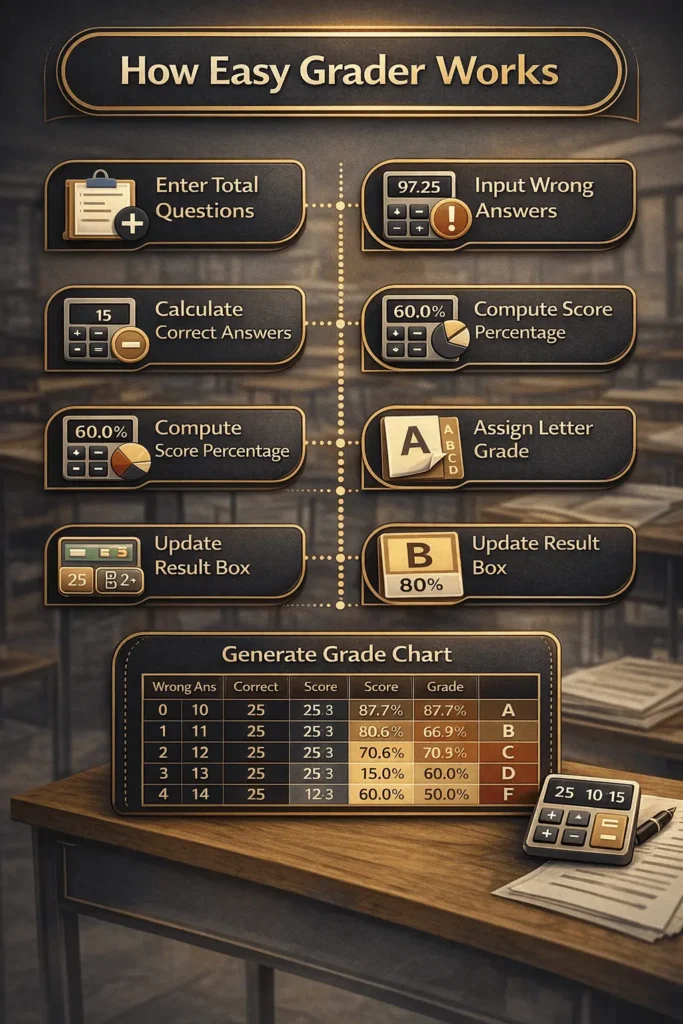
Step-by-Step Working
- Enter Total Questions: Input the total number of questions for the assignment, quiz, or test.
- Input Wrong Answers: Enter the number of incorrect answers for the student.
- Calculate Correct Answers: The calculator subtracts wrong answers from total questions to get correct answers.
- Compute Score Percentage: The calculator divides correct answers by total questions and multiplies by 100 to determine the score percentage.
- Assign Letter Grade: Based on the score percentage, the calculator assigns a letter grade (A, B, C, D, F).
- Update Result Box: The result box shows the letter grade, score percentage, and correct answers instantly. It also updates its color according to the grade.
- Generate Grade Chart: The calculator creates a visual grade chart showing all possible wrong vs correct answers, score percentages, and grades.
- Highlight Student Score: The row in the chart matching the student’s wrong answers is highlighted for easy identification.
Example Calculations Using an EZ Grade Calculator
Easily calculate your grades and GPA using the online Calculator. Check these simple examples to get accurate results fast using an automatic grading scale.
EZ Grade Calculator Formula
1. Correct Answers:
2. Score Percentage:
3. Letter Grade Assignment:
| Total Questions | Wrong Answers | Correct Answers | Percentage (%) | Letter Grade |
|---|---|---|---|---|
| 80 | 4 | 76 | 95.0% | A |
| 60 | 3 | 57 | 95.0% | A |
| 55 | 7 | 48 | 87.3% | B |
| 42 | 9 | 33 | 78.6% | C |
| 30 | 11 | 19 | 63.3% | D |
| 18 | 9 | 9 | 50.0% | F |
| 12 | 7 | 5 | 41.7% | F |
Formula Used Correct Answers = Total Questions − Wrong Answers Percentage = (Correct ÷ Total Questions) × 100
- 80 questions, 4 wrong
80 − 4 = 76 → (76 ÷ 80) × 100 = 95.0% → A - 60 questions, 3 wrong
60 − 3 = 57 → (57 ÷ 60) × 100 = 95.0% → A - 55 questions, 7 wrong
55 − 7 = 48 → (48 ÷ 55) × 100 = 87.3% → B - 42 questions, 9 wrong
42 − 9 = 33 → (33 ÷ 42) × 100 = 78.6% → C - 30 questions, 11 wrong
30 − 11 = 19 → (19 ÷ 30) × 100 = 63.3% → D - 18 questions, 9 wrong
18 − 9 = 9 → (9 ÷ 18) × 100 = 50.0% → F - 12 questions, 7 wrong
12 − 7 = 5 → (5 ÷ 12) × 100 = 41.7% → F
Key Features of the Easy Grader Calculator
These key features are designed to make grading faster, easier, and more accurate for teachers. Each feature focuses on reducing manual work while delivering clear and reliable grading results.
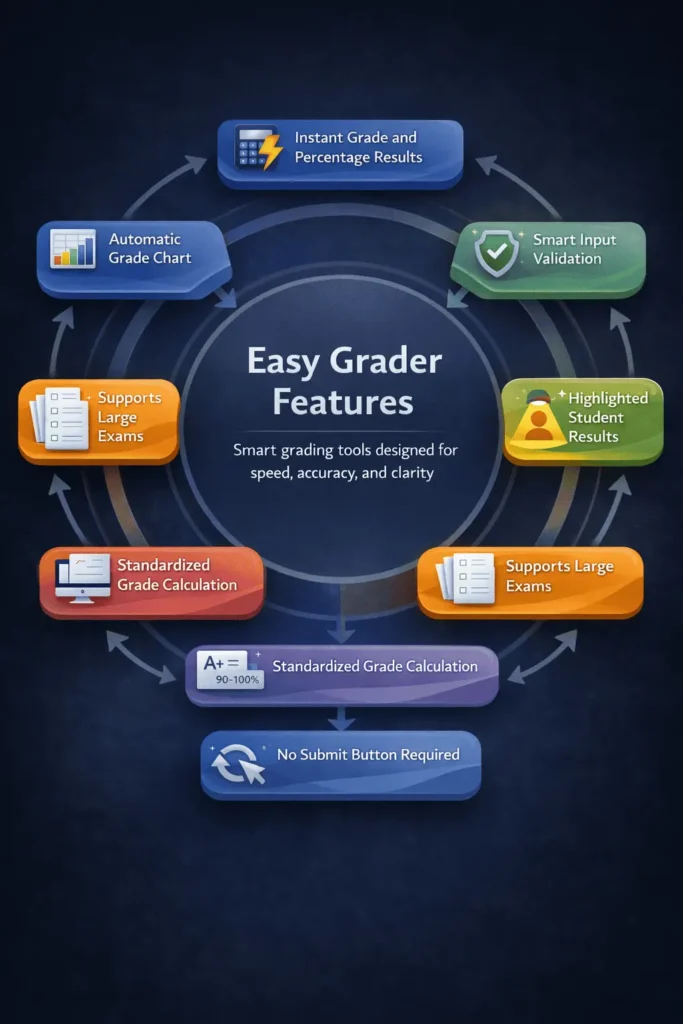
- Instant grade calculation: Automatically calculates percentage scores and letter grades as soon as values are entered.
- Live grading chart: Generates a dynamic grade chart that updates instantly with correct and wrong answers.
- Highlighted student result: Clearly highlights the student’s score row for quick and easy identification.
- Real-time result box: Shows letter grade, percentage score, and correct answers in one clear result area.
- Color-coded grade feedback: Uses visual color changes to help teachers understand results at a glance.
- Input validation system: Prevents invalid entries like negative numbers or wrong answers exceeding total questions.
- No submit button needed: Runs calculations automatically without extra clicks for a smooth experience.
- Responsive and clean design: Works smoothly on desktop, tablet, and mobile devices without layout issues.
Benefits of Using an EZ Grader Calculator
Using an EZ Grader calculator offers clear benefits by helping teachers grade faster, stay accurate, and manage daily classroom work with less effort.
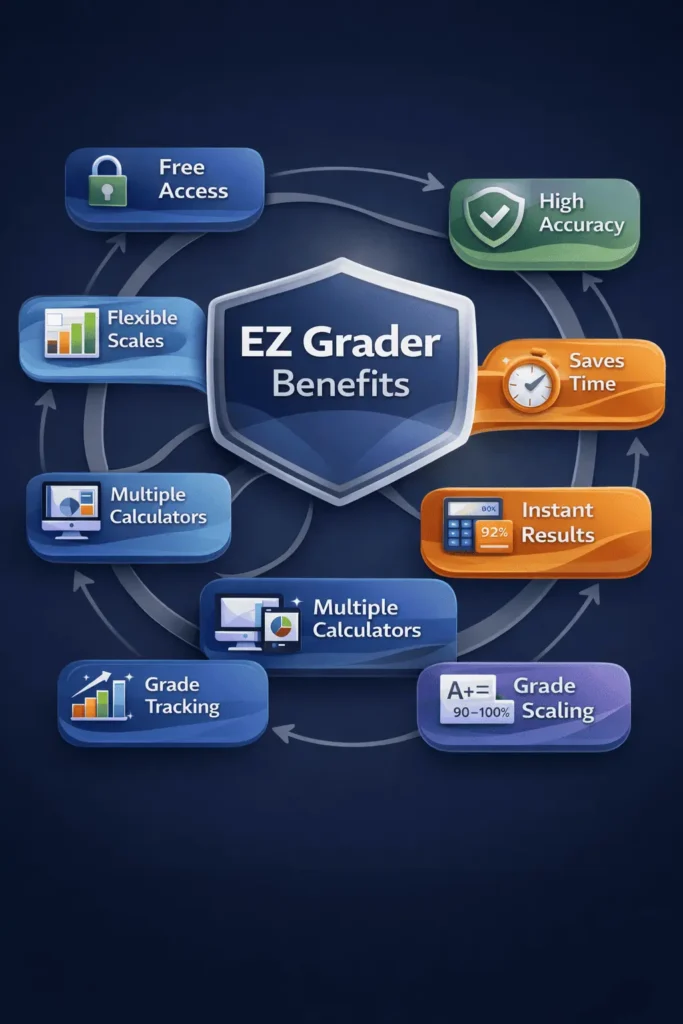
- Saves valuable time: Helps teachers finish grading faster by removing manual calculations.
- Improves grading accuracy: Uses a reliable grade calculator to reduce human errors.
- Instant results: Shows percentage scores and letter grades immediately after input.
- No signup required: Works as a free online tool that can be used instantly without creating an account.
- Easy to use: Simple design makes the online grading tool usable without training.
- Reduces stress: Makes the grading process smooth and less tiring for teachers.
- Supports different grade levels: Works well for various classes, from lower grades to higher levels.For courses with major exams, a final grade calculator helps estimate overall results based on final assessments.
- Consistent grading: Applies the same grading scale every time for fair and balanced results.