
Average Grade Calculator
What is an Average Grade Calculator?
An Average Grade Calculator is an online academic tool that helps students calculate their overall average grade by combining multiple scores into a single result. It works by processing letter grades, percentage scores, or points-based results, then converting them into a clear average that reflects a student’s academic performance across assignments, quizzes, tests, or exams. Instead of manually converting grades and doing calculations, students can quickly see accurate results with minimal effort.
In places like United States, where the A+ to F letter grading system is widely used, this tool is especially useful. It converts letter grades into numerical values, adds them together, and divides them by the total number of grades to produce an average. Since grading systems vary globally, this calculator also supports percentage-based and points-based grading, making it flexible for different academic standards. It helps students save time, track performance, and understand their grades clearly, fulfilling the core need of knowing exactly where they stand academically.For quizzes or tests graded by correct and incorrect answers, an easy grader can assist by converting raw scores into percentages before they are averaged.
How Does the Average Grade Calculator Work?
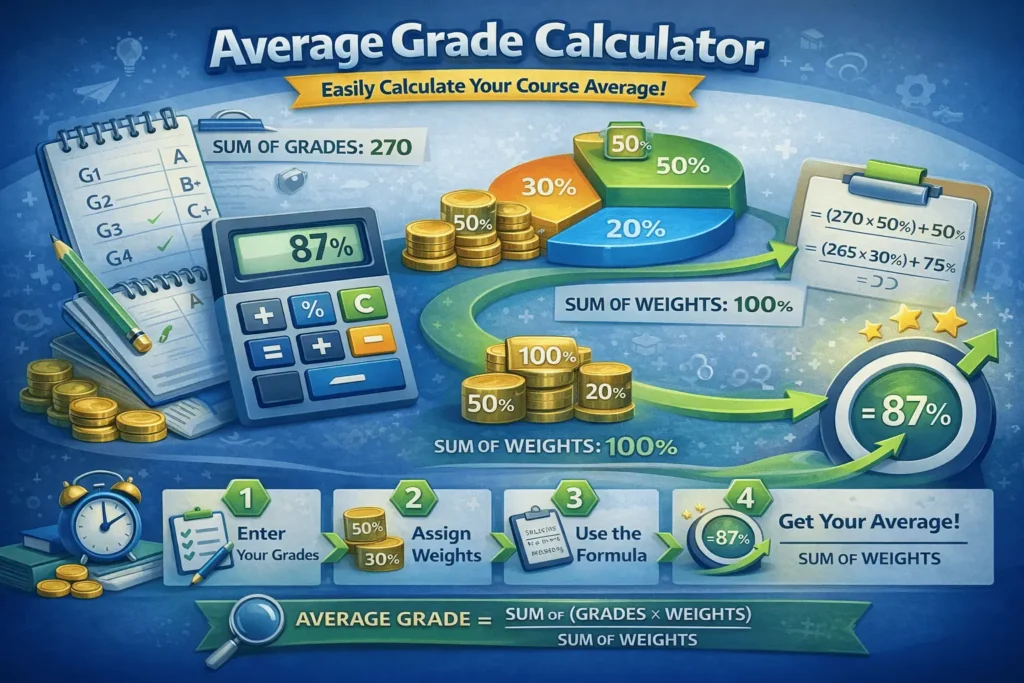
Using this online Calculator helps you quickly understand where you stand academically without manual calculations. By following a few clear steps, you can track grades accurately across assignments, tests, and exams. This method saves time and keeps your results aligned with your course grading system.
Step-by-Step Working
- Select Calculation Mode: Start by choosing the appropriate calculation mode based on your grading system based on your grading system using a grade calculator that supports Percentage Mode, Letter Grade Mode, and Points Mode. Each mode adjusts the input fields automatically to match the selected grade format, ensuring compatibility with different academic systems.
- Enter Grades or Scores: Enter your assessment results in the table. In Percentage Mode, input numeric grades; in Letter Mode, select grades from A+ to F; and in Points Mode, enter points earned and points possible. Each row represents a separate assignment, test, or exam.
- Apply Weights or Credits: If your course uses weighted grading or credit-based evaluation, enter the appropriate weight or credit value for each entry. The calculator uses these values to compute an accurate weighted average grade according to the course syllabus.
- Manage the Dynamic Grade Table: Use the Add Row option to include more assessments or remove unnecessary rows as needed. This dynamic table structure allows flexible grade entry and helps organize multiple assignments, quizzes, projects, or exams efficiently.
- Real-Time Average Calculation: As soon as grades, weights, or points are entered or updated, the calculator performs real-time calculations. It converts letter grades into numerical values, applies weights, totals scores, and instantly updates the course average percentage without requiring manual calculation.
- View the Calculated Average: After viewing the calculated average, students can plan ahead by using a final grade calculator to estimate the score required on upcoming exams to reach their target course grade. The output reflects either a weighted average or a total points percentage, depending on the selected mode, allowing for quick performance evaluation.
- Reset and Start Fresh: Use the Reset option to clear all entered data and restore default rows. The calculator automatically initializes in Percentage Mode, making it easy to begin a new calculation session.
Example Calculations Using This Grading Tool
Average Grade Calculator Formula
- Weighted Average Formula
Average Grade = (Σ (Grade × Weight)) ÷ (Σ Weights) - Simple Average (No Weights)
Average Grade = (Sum of All Grades) ÷ (Total Number of Grades) - Letter Grades (After Conversion to Points)
Average Grade = (Σ (Letter Value × Credits)) ÷ (Σ Credits) - Points-Based Average
Average Grade (%) = (Total Points Earned ÷ Total Points Possible) × 100
Percentage Mode Example
This example shows how the score calculator uses percentage scores to calculate a student’s overall performance accurately.
| Assignment | Percentage (%) | Weight | Weighted Score |
|---|---|---|---|
| Homework 1 | 85 | 2 | 85×2=170 |
| Quiz 1 | 90 | 1 | 90×1=90 |
| Midterm Exam | 78 | 3 | 78×3=234 |
| Project | 92 | 2 | 92×2=184 |
Weighted Average = (170 + 90 + 234 + 184) ÷ (2 + 1 + 3 + 2) = 84.8%
Letter Mode Example
This example shows how the grade tool converts percentage scores into letter grades to clearly display overall performance.
| Assignment | Letter Grade | Credit/Weight | Numeric Value × Weight |
|---|---|---|---|
| Homework 1 | A | 2 | 93 × 2 = 186 |
| Quiz 1 | B+ | 1 | 87 × 1 = 87 |
| Midterm Exam | C+ | 3 | 77 × 3 = 231 |
| Project | A- | 2 | 90 × 2 = 180 |
Weighted Average = (186 + 87 + 231 + 180) ÷ (2 + 1 + 3 + 2) = 85.5%
Point Mode Example
This example shows how points earned and points possible are used to calculate the overall average grade as a percentage.
| Assignment / Test | Points Earned | Points Possible |
|---|---|---|
| Quiz 1 | 15 | 20 |
| Homework | 38 | 40 |
| Midterm Exam | 68 | 80 |
| Final Project | 85 | 100 |
| Total | 206 | 240 |
Points Mode Calculation Total Points Earned = 15 + 38 + 68 + 85 = 206
Total Points Possible = 20 + 40 + 80 + 100 = 240
Average Grade (%)
= (206 ÷ 240) × 100
= 85.8%